

Training & Competency
The Training module helps you manage training courses, set competency requirements by role, schedule training events, and track compliance.
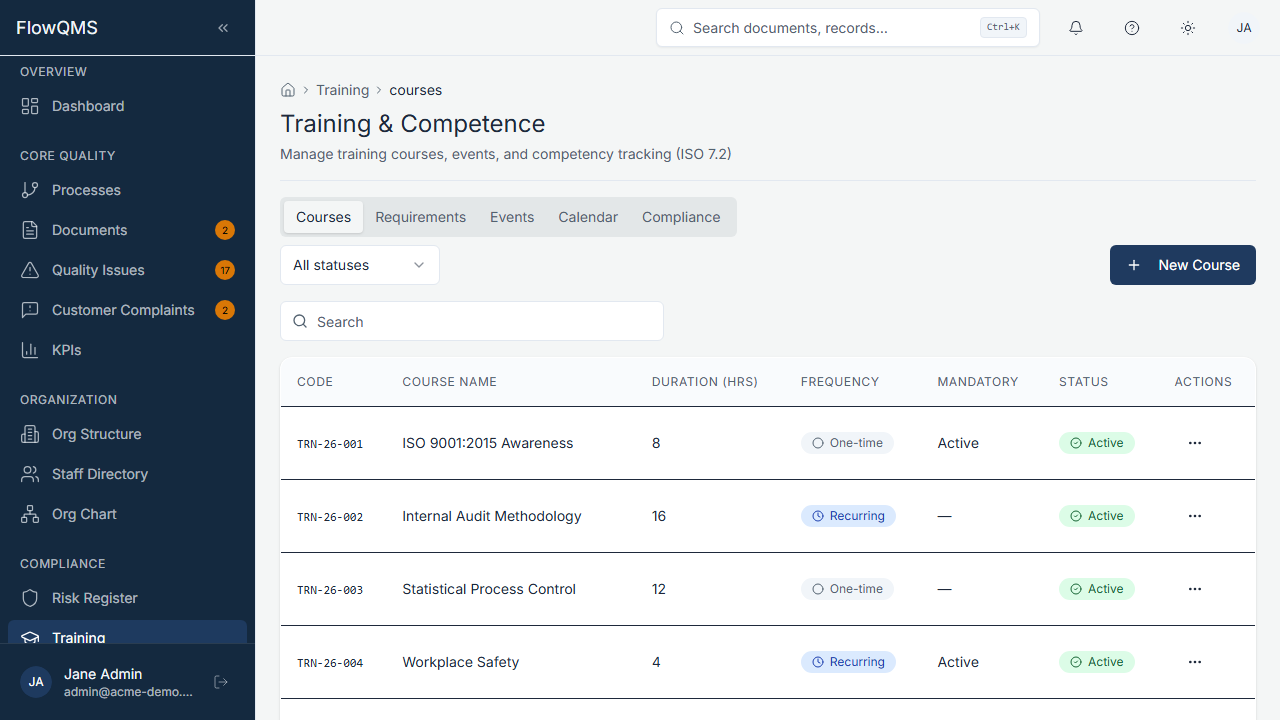
Training course catalog with course details and status
Sidebar location: Compliance > Training
The Training module is organized into five tabs:
Courses Tab
Manage your training course catalog.
Creating a Course:
- Click "New Course"
- Fill in the form:
| Field | Description | Required |
|---|---|---|
| Name | Course title | Yes |
| Description | What the course covers | No |
| Category | Training category (configurable) | No |
| Duration (Hours) | How long the course takes | No |
| Frequency | One-time or Recurring | No |
| Recurrence (Months) | If recurring, how often (1-120 months) | If recurring |
| Status | Active or Inactive | No |
| Is Mandatory | Whether completion is mandatory | No |
| Process | Link to related process | No |
| Document | Link to training material document | No |
Requirements Tab
Define which job roles require which training courses. This creates a competency matrix.
- Select a Job Role
- Assign required Courses
- Set the Renewal Frequency (how often retraining is needed)
- Set the Effective Date
Events Tab
Schedule and manage training events (sessions).
Creating a Training Event:
- Click "New Event"
- Fill in the form:
| Field | Description | Required |
|---|---|---|
| Course | Select which course this event is for | Yes |
| Training Date | When the training takes place | Yes |
| End Date | End date (for multi-day training) | No |
| Trainer | Name of the trainer/instructor | No |
| Location | Physical location or virtual meeting link | No |
| Status | Planned, Scheduled, In Progress, Completed, or Cancelled | No |
| Max Participants | Maximum enrollment limit | No |
| Notes | Additional notes | No |
- After creating the event, add participants using the "Add Participants" dialog
Training Event Detail Page:
| Tab | Content |
|---|---|
| Participants | List of enrolled staff. Track attendance and completion status (attended/completed/failed/absent). |
| Documents | Training materials and evidence (certificates, sign-in sheets) |
Calendar Tab
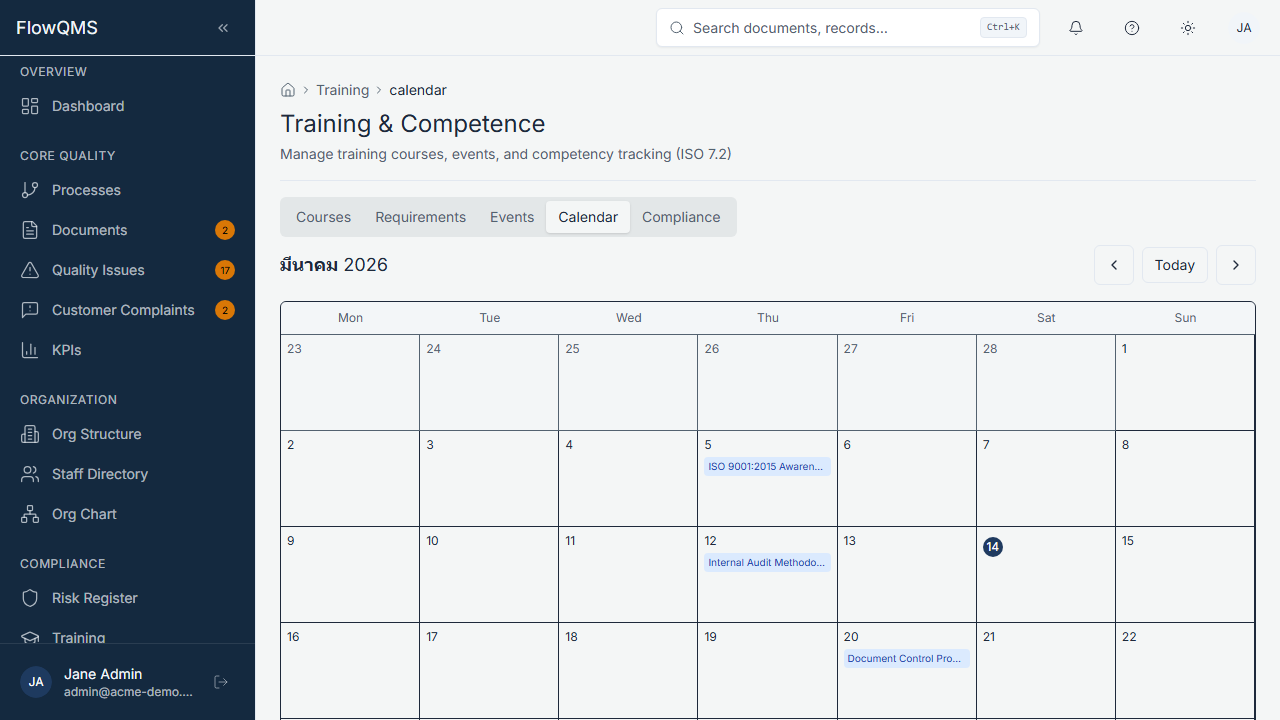
Calendar view of scheduled training events
A calendar view showing all training events. Navigate between months and click on events to view details.
Compliance Tab
A compliance dashboard showing:
- By Role — For each job role, which required courses have been completed and which are pending
- By Person — For each staff member, their training completion status
- Overdue Training — Highlighted rows for training that is past due
- Completion Rate — Overall training compliance percentage